
Welcome to the Style Guide. This page is designed to showcase all the typographic styles, formatting elements, and layout patterns available within the theme. It serves as a visual playground for testing the theme's design system, margins, line heights, and typography pairing.
Typography & Headings
Good typography is silent; it is the skeleton that supports the architecture of words. The theme has been built with an elegant, responsive typographic scale that adapts seamlessly across all devices.
Heading Level One (H1)
This is a standard paragraph following an H1 heading. It displays the primary paragraph typography including size, line-height, margin, and weight configuration.
Heading Level Two (H2)
This is a standard paragraph following an H2 heading. Notice the spacing above and below headings to ensure high legibility and breathing room.
Heading Level Three (H3)
This is a standard paragraph following an H3 heading. H3 headings are typically used to split sub-sections of a long essay or article.
Heading Level Four (H4)
This is a standard paragraph following an H4 heading. Typically used for secondary elements or sidebar widgets.
Table
| Heading 1 | Heading 2 | Heading 3 | Heading 4 | Heading 5 |
|---|---|---|---|---|
| Data content 1 | Data content 2 | Data content 3 | Data content 4 | Data content 5 |
| Data content 1 | Data content 2 | Data content 3 | Data content 4 | Data content 5 |
| Data content 1 | Data content 2 | Data content 3 | Data content 4 | Data content 5 |
| Data content 1 | Data content 2 | Data content 3 | Data content 4 | Data content 5 |
| Data content 1 | Data content 2 | Data content 3 | Data content 4 | Data content 5 |
MarkDown
MarkDown Title Bold
MarkDown Title Italic
- Unordered Item line one
- Unordered Subitem line one
- Unordered Subitem line two
- Unordered Subitem line three
- Unordered Item line two
- Unordered Item line three
- Ordered Item line one
- Ordered Item line two
- Ordered Item line three
Good content is easy to read and even easier to remember. Use highlighted text to emphasize important details, spotlight key takeaways, or make essential information stand out at a glance.
Links
Ghost makes linking effortless. NewsDesk theme to create an instant link, or customize the anchor text to keep your content clean, readable, and engaging.
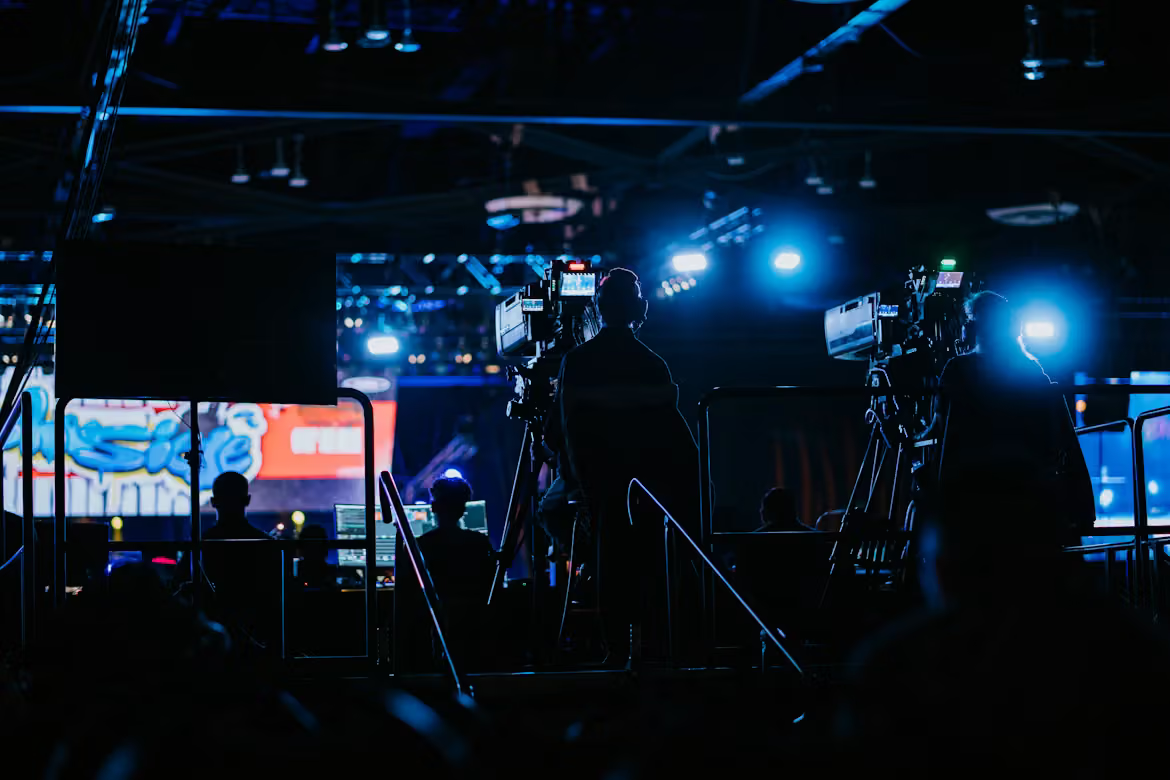
Images

Buttons
Call to action button
Bookmark
Bookmark cards transform ordinary links into beautiful, interactive previews. Simply paste a URL into the Ghost editor, and it automatically fetches the page's metadata—such as the title, description, image, and publisher—to create a visually appealing card. This helps highlight recommended resources, references, articles, and external content without interrupting the reading experience.
 Sophia Chen
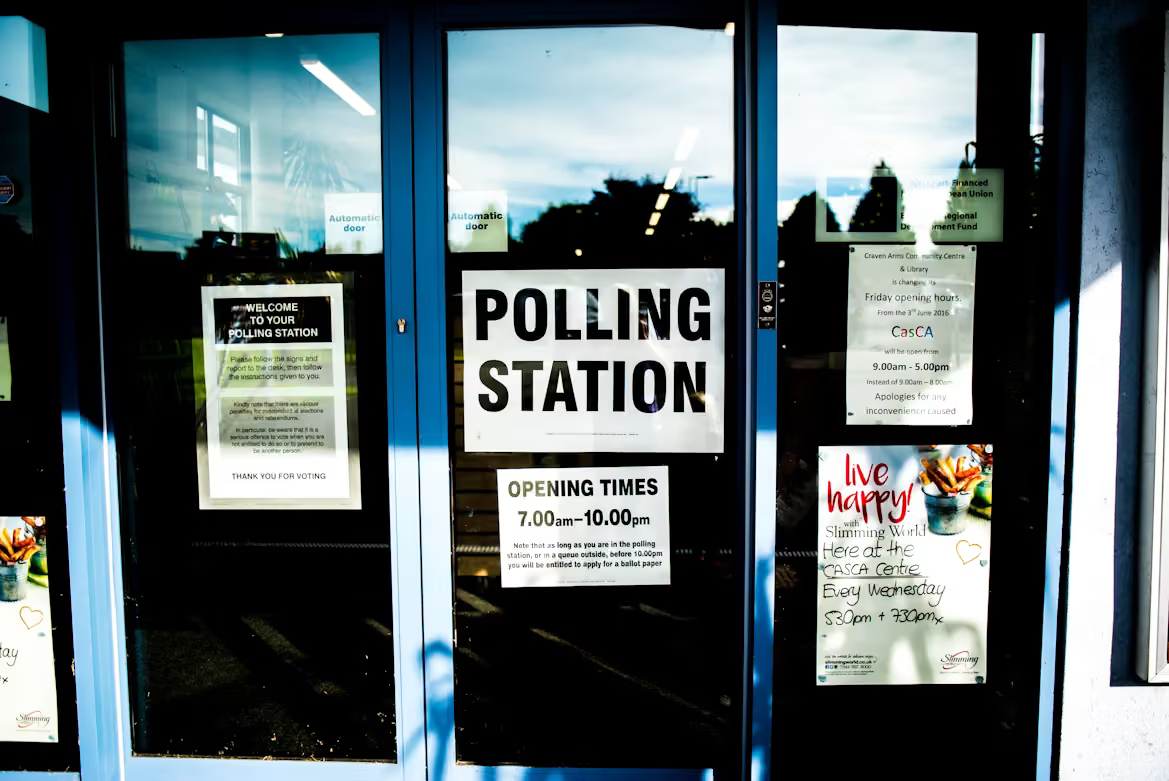
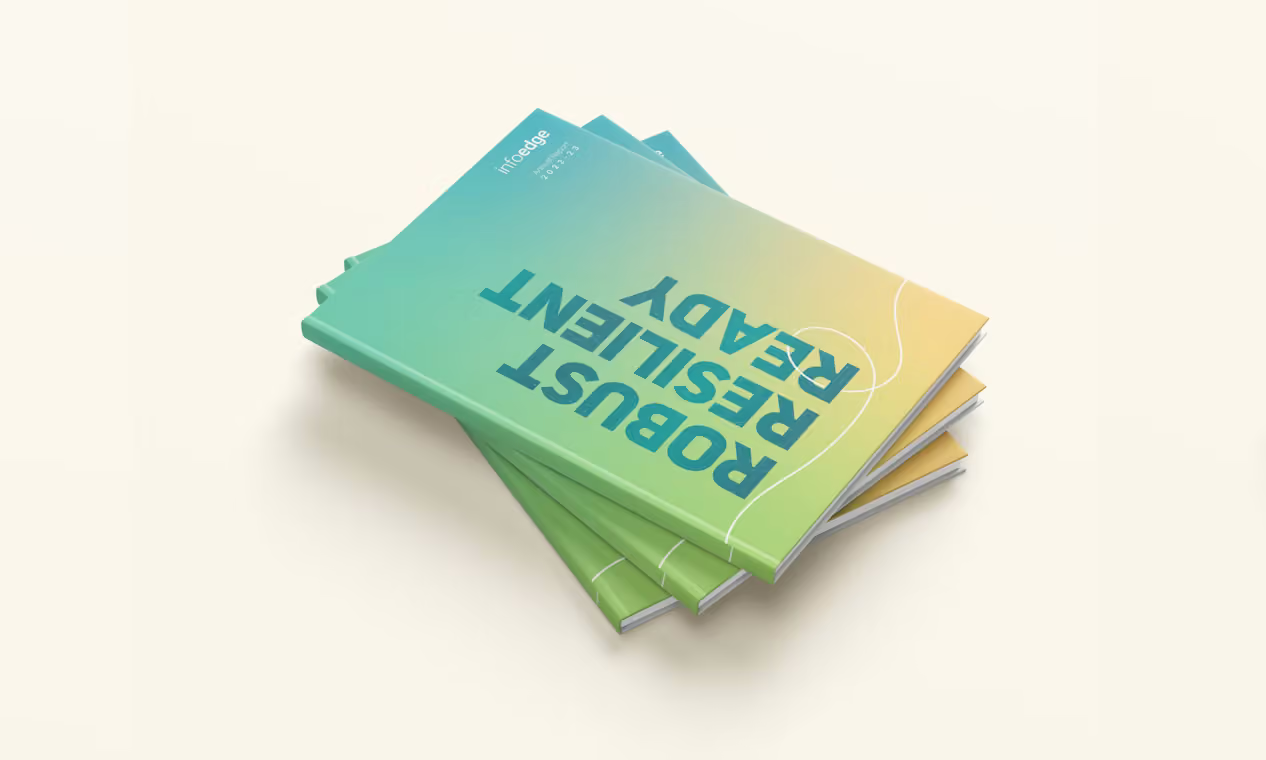
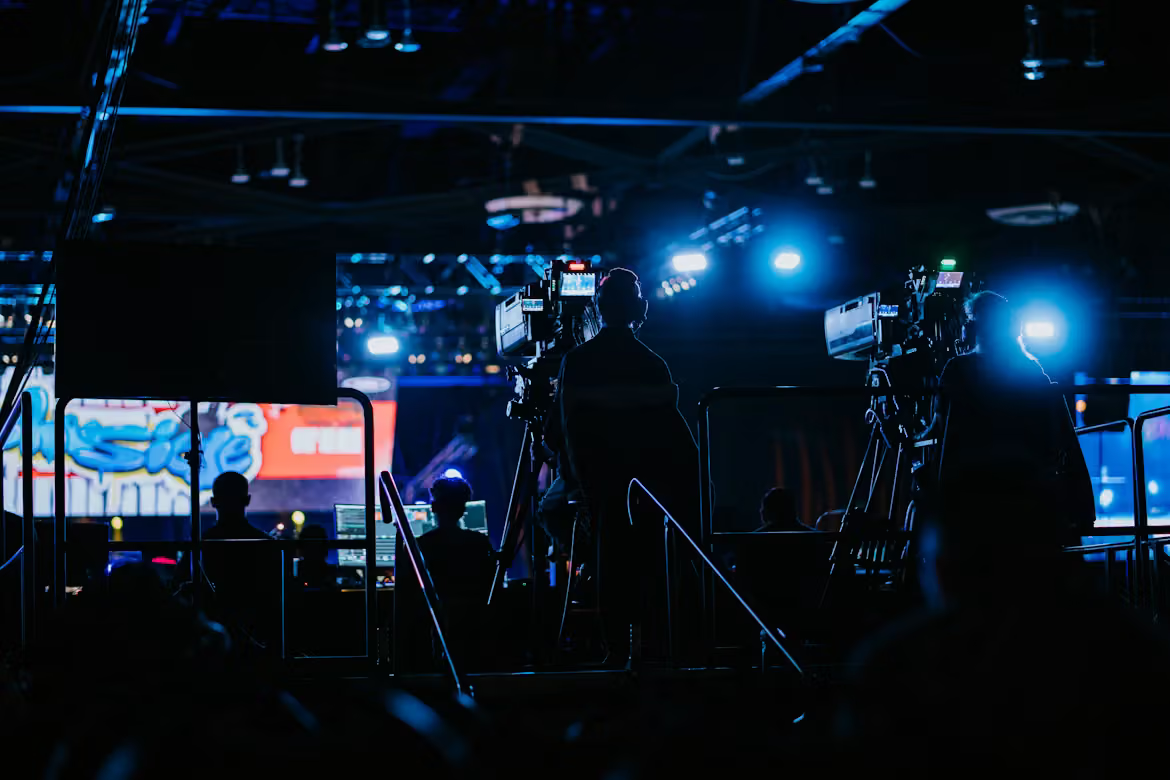
Gallery



Callouts
Sign Up
Collapsible (Toggle)
First toggle title
Content goes here
Second toggle title
Content goes here